

Reference

The zeet16 App on Your Phone

Mobile access to zeet16 starts in your browser: open the site, sign in, and the lobby, betslip and cashier load in a layout built for one thumb.

mobile browserdevice accessavailability checkone-thumb layout
zeet16 The zeet16 App on Your Phone
zeet16 Mobile Access in Three Quick Steps

Mobile Access in Three Quick Steps

No file to hunt for and no store listing to wait on: the mobile route to zeet16 is the browser already on your phone. Safari on iPhone and Chrome on Android load the same lobby, so whichever handset you carry, the four steps below are the whole process. Do them once, save the tab to your home screen, and the site opens

like anything else on the phone. If we publish a build for your region, the notice on this page points to it; until then the browser path carries everything, including a slow connection.

  • Open the site in your browser — Type the address into Chrome or Safari, or tap the bookmark you saved earlier. Avoid mirrors and shortened links; a wrong domain is the most common reason a sign-in page looks unfamiliar.
  • Check your browser is current — An outdated browser can hide the cashier or stall the live tables. Update Chrome or Safari from your phone settings, then reload the page once before you sign in.
  • Sign in with your account — Enter your username and password, then clear the one-time code sent to your number. On a handset you have not used before, expect an extra verification step before the lobby unlocks.
  • Save it to your home screen — Use Add to Home Screen from the browser share menu. The shortcut opens straight into the lobby, so you are one tap from the tables instead of three.
zeet16 What the App Adds to Your Day

What the App Adds to Your Day

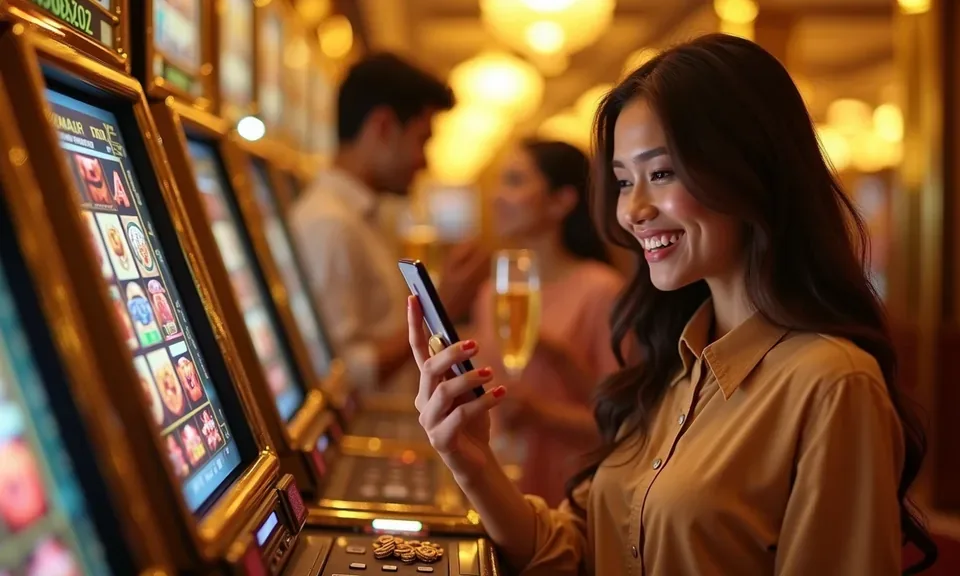
A phone build earns its place by saving taps, so we arranged ours around three jobs: the betslip, the tables and the cashier. Turn on alerts and a price move on a BPL fixture lands on your lock screen before the next over. Fingerprint sign-in replaces typing a password on a moving bus. A cash-in from bKash or Nagad sits two taps

from the lobby, so you can add funds and move straight into Crash Countdown or a Pragmatic Play slot without reloading the page. Live tables stream the same way, so Baccarat Supreme and Roulette Fireball open in the handset browser without a separate install.

  • lock-screen alerts
  • fingerprint sign-in
  • quick cashier
  • live table streaming

App Features That Cut the Taps

Four things do most of the work on a phone: how you sign in, what reaches your lock screen, how the screen behaves at night, and whether the lobby holds its place when the signal drops. None of them need a store listing to run — they work in the browser you already have open. Here is what each one changes when you are checking a market between rides or following a cricket chase on a slow connection.

Fingerprint sign-in

On a handset with a built-in reader, approve sign-in with your fingerprint instead of typing a password. The session stays tied to your account, and a new device still asks for verification.

Push alerts

Turn on alerts for betslip settlements and the markets you follow. A cricket price move or a settled single shows on the lock screen, so you are not reopening the tab to check what happened.

Dark screen mode

A low-light layout trims glare for late sessions on BPL nights. It also cuts battery draw on OLED panels, which matters when the chase runs long and the charger is in another room.

Weak-signal lobby

The lobby keeps the last screen you opened, so a dropped connection does not send you back to the start. Reconnect and your slot round, table or betslip is still where you left it.

DEVICE CHECK

What Your Phone Needs to Run It

Most phones sold in Bangladesh over the last few years handle the lobby without strain, but three things decide whether a session feels smooth: browser version, screen width and account status. Check them before you sit down with a betslip, not after it settles. The list below covers what we watch on our side and what you can confirm on yours in under a minute. Nothing here needs a settings app or a file manager.

Method Payout time Speed
Browser access Chrome on Android and Safari on iPhone both render the full lobby, live tables and cashier included. A current version matters more than the handset model; an unpatched browser is the usual reason a page half-loads. Fast
Screen layout The layout follows your screen width, from a compact phone view up to a tablet. Rotate to landscape for table games like Baccarat Supreme if the grid feels tight; your betslip keeps its place either way. Fast
Account status Sign-in needs a verified account: a number that receives codes, plus any extra checks our team has asked of you. Clear those first and the mobile lobby opens without a prompt. Medium
Connection A 3G signal is enough to load the lobby and place a bet. Live video tables drop resolution instead of stalling, which keeps the deal moving. Wi-Fi suits long sessions at a virtual table. Medium
Supported devices check We do not publish a model list we cannot keep current. Instead, a notice appears when a browser or build drops out of support. If a page misbehaves, send support your handset and browser name. Slow

Questions About the zeet16 App

These are the questions our support desk hears from phone users most, answered the way we would answer them in chat. None of it depends on a store listing — mobile access is the browser route, and we say plainly when that changes for a market. Have your handset model and browser name ready when you write in; it turns a slow back-and-forth into one reply.

Mobile access runs through your browser at zeet16 and covers the whole lobby. Where a native build is offered for your region we say so on this page; otherwise the browser is the route, and it needs no file.

Read the availability notice on this page and any message we send your account. Availability depends on local law and eligible regions, so we confirm it market by market rather than promise one build for everyone.

Yes, if the browser is current. Screen size decides how much you see at once, not what you can reach — the betslip, tables and cashier all load on a compact phone.

Usually a re-scanned print or a cleared reader cache. Sign in with your password, switch the option back on in your account settings, and it will ask for the print again next session.

Cricket is the sport most of our Bangladesh readers open first, from BPL matches to international series. Betslip, alerts and the sportsbook all sit in the same mobile layout.

Clear the browser cache, check your data balance, then reload once. If it still stalls, send support your handset model and browser version so we can look at the report.
Reference

zeet16 App

Service availability depends on eligible regions and local law. Users should check local rules before opening an account.

Access may be available only where local law permits.